01 · Home
A room with a cat in it.
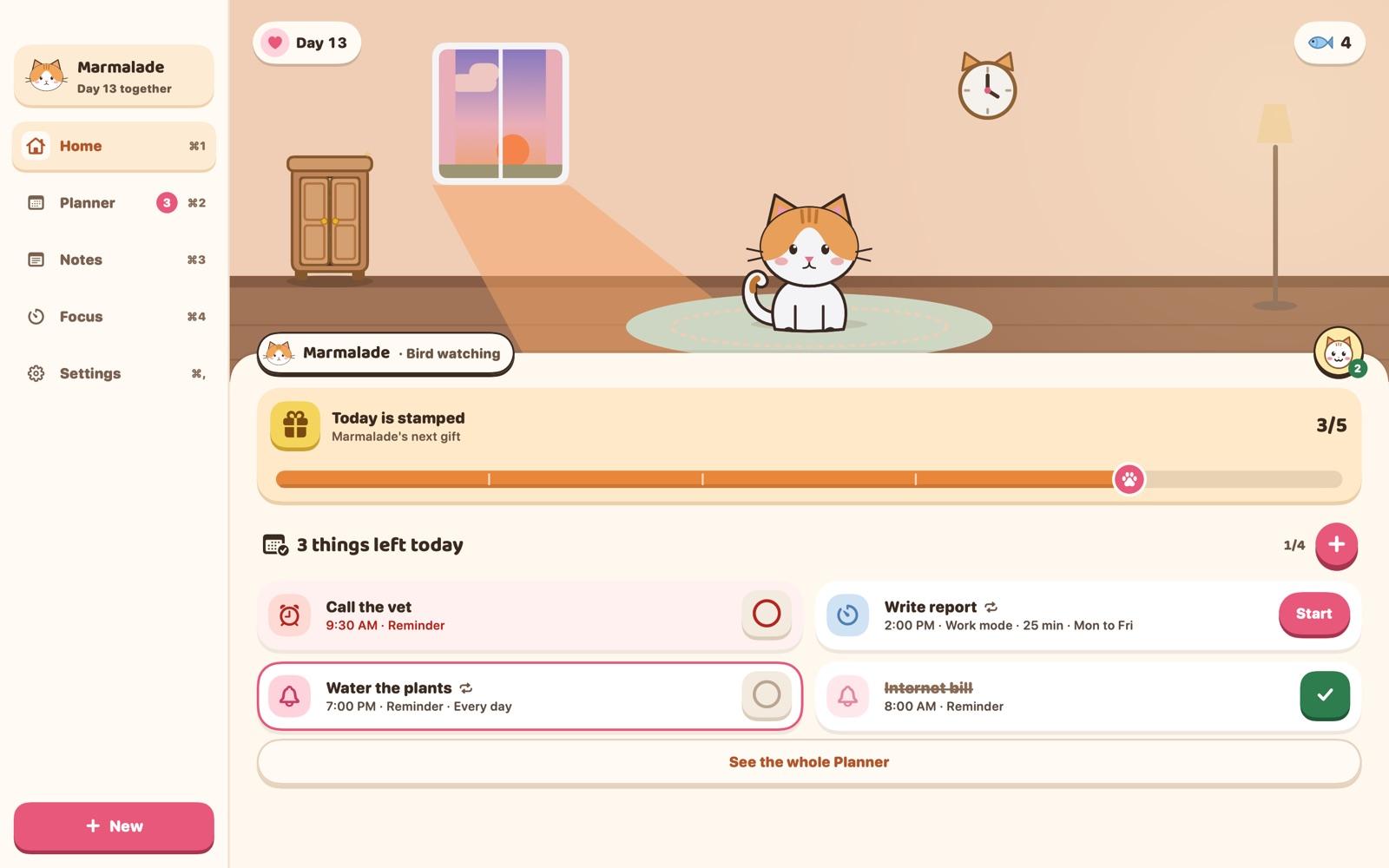
Open Meowmo and Your Cat is there, napping or watching the birds. Today's plan sits under the room. Check one thing off and the day gets a paw stamp, and every fifth stamp brings a gift.
Plan your day, focus, block noisy apps and keep notes in one cozy place. Your Cat lives in a little room on your iPhone and Mac and keeps you company through all of it.
Psst. That room is live. Tap Your Cat, the lamp and the fish.

01 / 06
Open Meowmo and Your Cat is there, napping or watching the birds. Today's plan sits under the room. Check one thing off and the day gets a paw stamp, and every fifth stamp brings a gift.
02 / 06
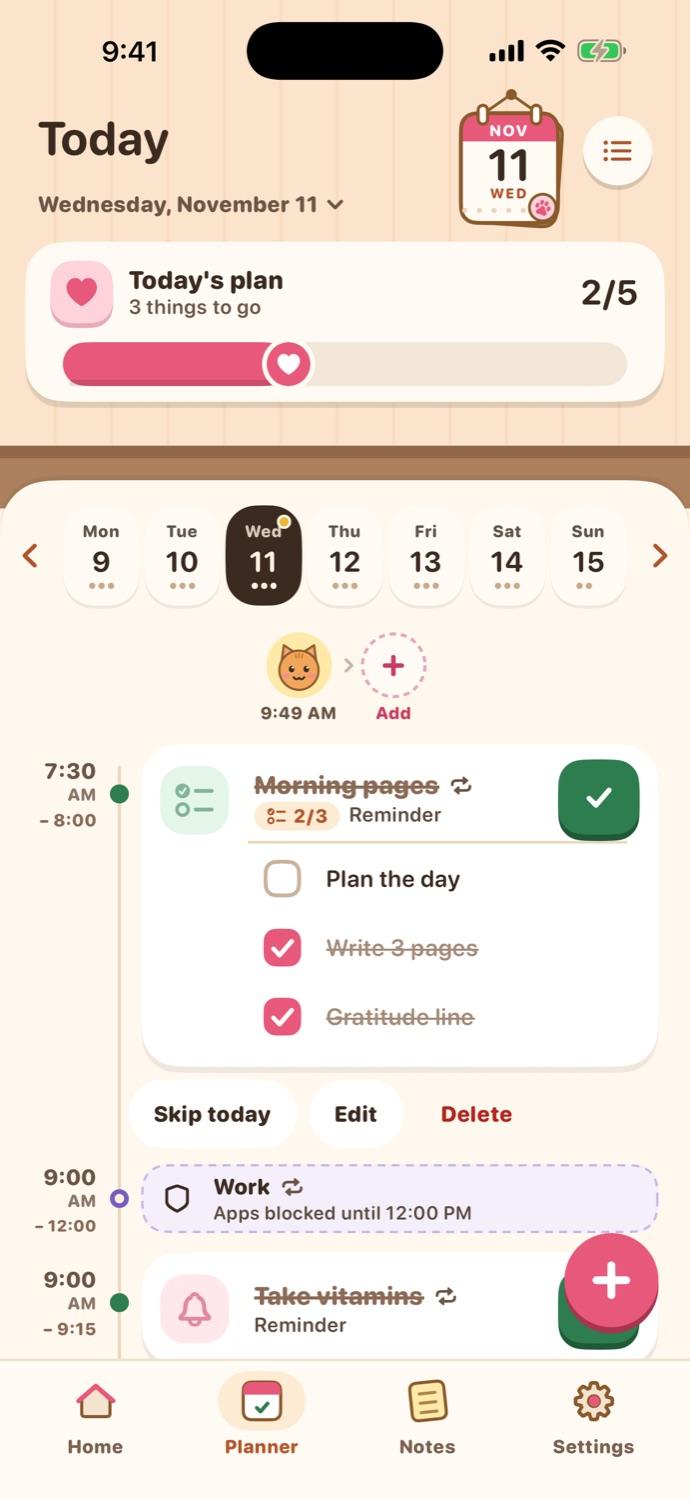
Reminders, focus blocks and app blocks share one timeline. Break a task into up to 12 steps, and checking the last one checks off the task.

03 / 06
Tap a face, add a tag or a few words, as often as you like. Moods show up as dots on your calendar, and only you can see them.

04 / 06
Start a timer and Your Cat naps beside you. Put a focus block in your plan and Your Cat calls you when it's time. Stop early and the minutes still count.

Shh. Your Cat is guarding your focus
This app opens again at 12:00 PM.
CloseTake 5 minutes (3 left today)05 / 06
Pick the apps you keep reaching for. During focus or work hours, opening one shows Your Cat asleep on a shield instead of your feed. Really need it? Take 5 minutes, up to three times a day.

06 / 06
Checklists, pins and colors for everything you jot down. A locked note opens with Face ID, and what's inside stays out of search, widgets and alerts.
Open the notch for a mini menu with today's list, New note and Start focus, without bringing up the window.
Jump between Home, Planner, Notes and Focus with ⌘1 to ⌘4. ⌘N adds to your plan, ⇧⌘N starts a note.
The countdown sits in the menu bar while you work, and a quick note is one click away.
Plans, notes, moods and your cat's look sync through your own iCloud. Locked notes open with Touch ID.
Needs macOS 14 or later. Blocking apps works on iPhone only; the Mac shows your app blocks on the timeline.
Yes. The Planner, moods, Focus, blocking apps, notes and locked notes, widgets, iCloud sync, backups and four cats are free. Meowmo Plus adds more cats, outfits, body shapes, whole rooms, themes and app icons for one payment, with no subscription. The App Store shows the price for your region.
The Planner, Focus, notes and four cats are free. Your Cat will probably be asleep when you open it.